
Home : Workshop : CNC : Estlcam : v12 :
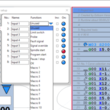 A couple of key changes are that most menus are now vertical (vs horizontal) and some windows (properties and tools) are now a part of the main window. Similarly, some menu items (grid, copy/paste, etc.) are now included in the main window (bottom-left corner). The initially mixed font sizes, many too small, has been improved (new image). While issues related to the new scaling function (setup : basic : scale) seem to have been fixed, using it to increase font sizes will also increase icon sizes (already much bigger than they need to be).
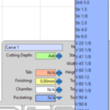 Hard/impossible to select path property tools has also been fixed to better than v11 usability (new image). Scrolling in general has improved, e.g. no more need to hover the mouse over the main tool list scroll bar.
User Interface
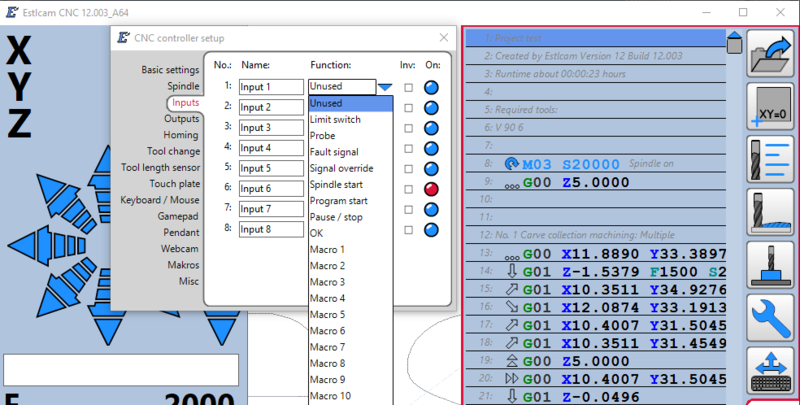 A couple of key changes are that most menus are now vertical (vs horizontal) and some windows (properties and tools) are now a part of the main window. Similarly, some menu items (grid, copy/paste, etc.) are now included in the main window (bottom-left corner). The initially mixed font sizes, many too small, has been improved (new image). While issues related to the new scaling function (setup : basic : scale) seem to have been fixed, using it to increase font sizes will also increase icon sizes (already much bigger than they need to be).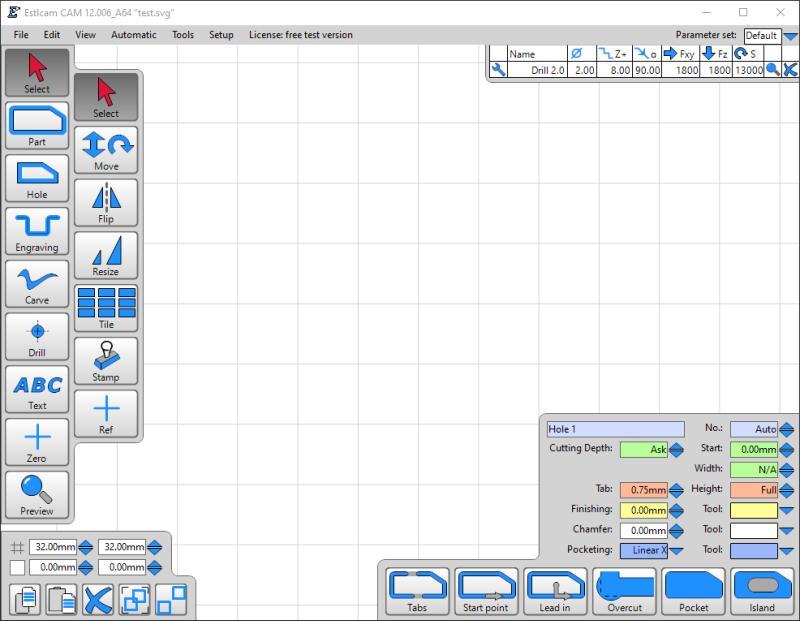
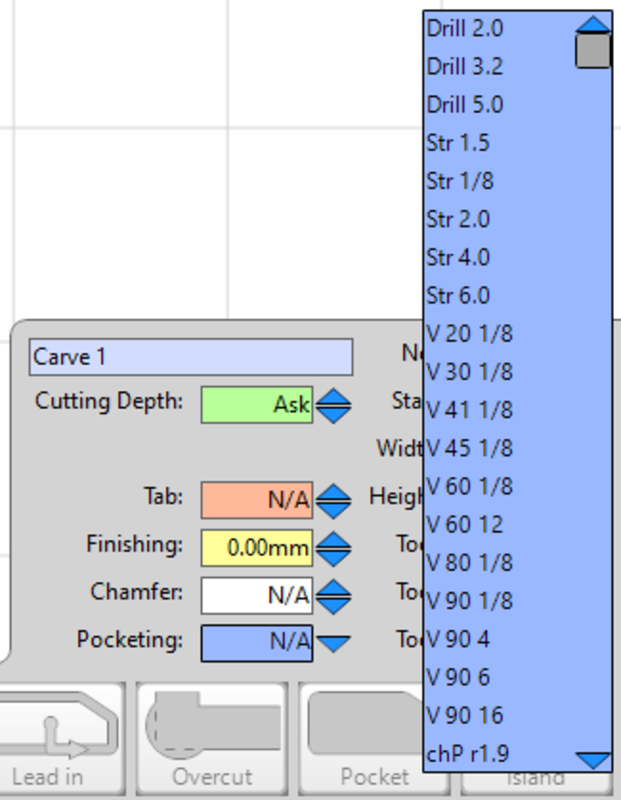 Hard/impossible to select path property tools has also been fixed to better than v11 usability (new image). Scrolling in general has improved, e.g. no more need to hover the mouse over the main tool list scroll bar.
Comments [ new ]
- Re: User Interface
- Posted by AzaB2C on Saturday, 13-Dec-2025
Hello! Philipp recommended checking out the detailed EstlCam related info documented on your site. Neat stuff! Cheers for sharing.
[ reply | link ] to this. Go to [ topic | top ]
UNDO in Estlcam recently came up again on v1e forum... [link]
Ended up making and sharing [link] hope that helps!
- Re: User Interface
- Posted by Dave L on Saturday, 13-Dec-2025
While I have no issue with the lack of an Undo/Ctl-Z function, it does seem to be a frequent new user complaint and I appreciate your efforts in creating a workaround. I'll see about adding it to the usability issues page.
[ reply | link ] to this. Go to [ parent | topic | top ]